Questions? We've got answers
Find quick answers about using Owambe.
Owambe simplifies the planning of social, cultural, corporate, educational, government and other events by bringing event hosts, vendors and guests together, and enabling event invitations to be sent via the event host's mobile phone contacts. Owambe also allows vendors to register their services for all users to view, making event planning easier.
Yes. Downloading the app, discovering events and hosting basic events are free.
Tap 'My Event', select 'Host Events', then select 'Add new Event' in the app. Add your event details and follow the flow.
Get the Owambe mobile app from Google Play or the Apple App Store, sign up, create your business profile and upload your portfolio to get discovered by hosts planning events worldwide.
Plan a private or public event and instantly invite everyone in your phone contacts. You can also team up with friends to invite more people by making them co-hosts.
Guests open your invite link, RSVP in one tap, and receive reminders and updates automatically.
Enable the QR Code option under RSVP Info when planning an event, so appointed doorkeepers can verify the entry of all invited guests.
Yes. Your event programme can be changed on the day of the event.
Yes. Use broadcast messages to send instant updates and announcements to your guests.
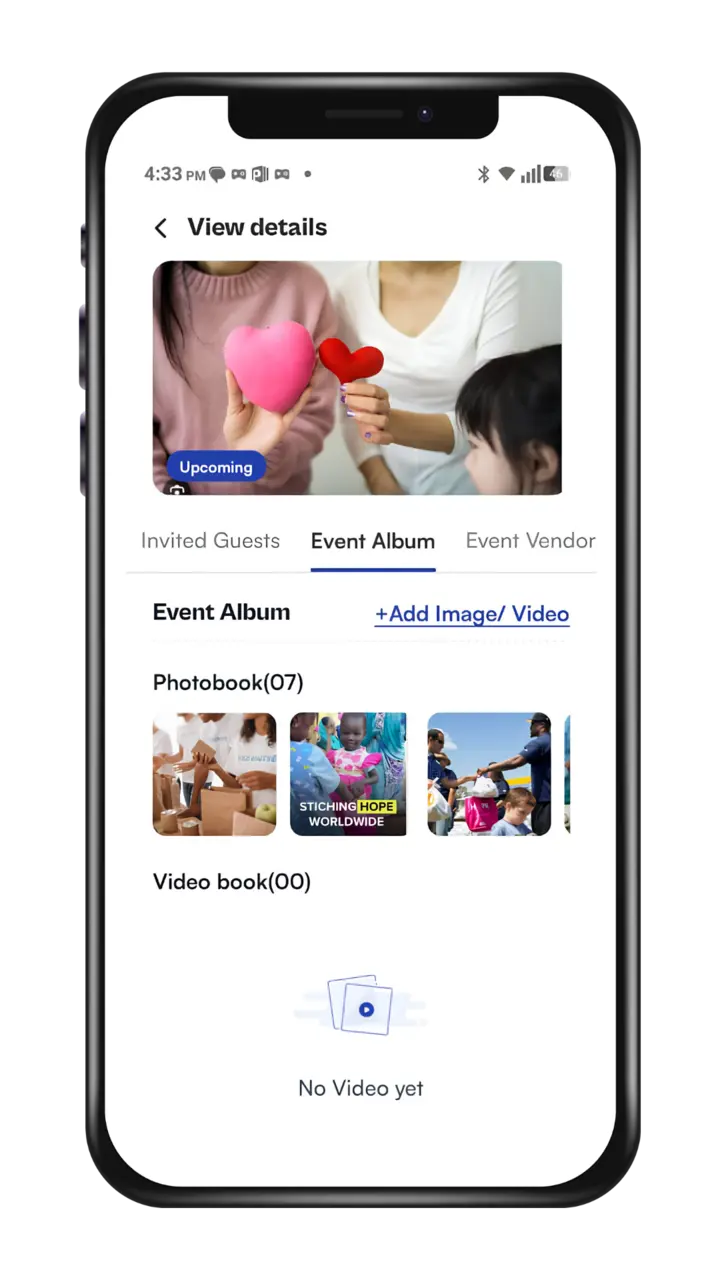
Yes. You can add or remove event photos and videos after the event, so your guests can view and comment on them.
Only invited guests can view a private event, while both invited and non-invited guests can view a public event.
Yes. Even after the event has taken place, you can use the 'Classify/Declassify' button to switch it from public to private, or vice versa.